Easy Guide to Adding JavaScript Libraries in Frappe
Adding Libraries to Desk Pages:
-
Create a New Page:
Start by making a New page from page doctype and make it standard. This creates two important files: a JavaScript file (.js) and a configuration file (.json).
Path: go to vscode ->app ->app ->module ->page ->page-name ->[.js, .json]
-
Install Libraries:
Use commands in your terminal to add the JavaScript libraries you need. You can do this with either Yarn or npm.e.g.
- yarn add js-confetti
- npm install anime.js -
Build and Start Bench:
After installing the libraries, they are automatically added to the app's package.json file and node_modules folder.
Proceed to build and start Bench using:
- bench build --app {app-name}
- bench start -
Creating Bundle File:
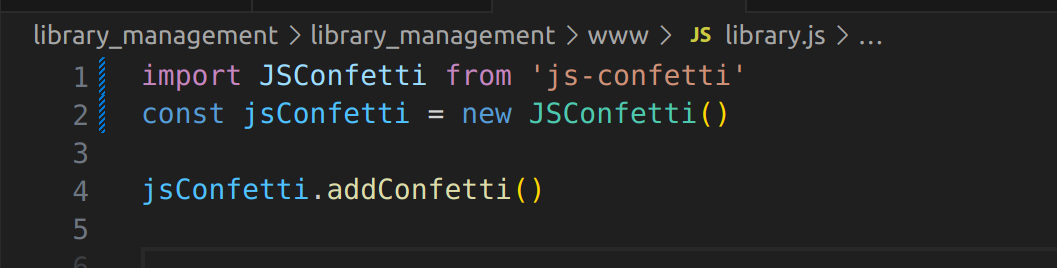
Create a bundle file (e.g. library.bundle.js) located in app/public/js.
Import the necessary libraries into the bundle file. This action automatically adds the required .js files to app/public/dist/js. -
Import Library in Bundle File:
- Integration into Page's JavaScript File:
In the page's .js file, add the bundle file using the following syntax:
frappe.require(['library.bundle.js'() =>{}]) - See the Impact:
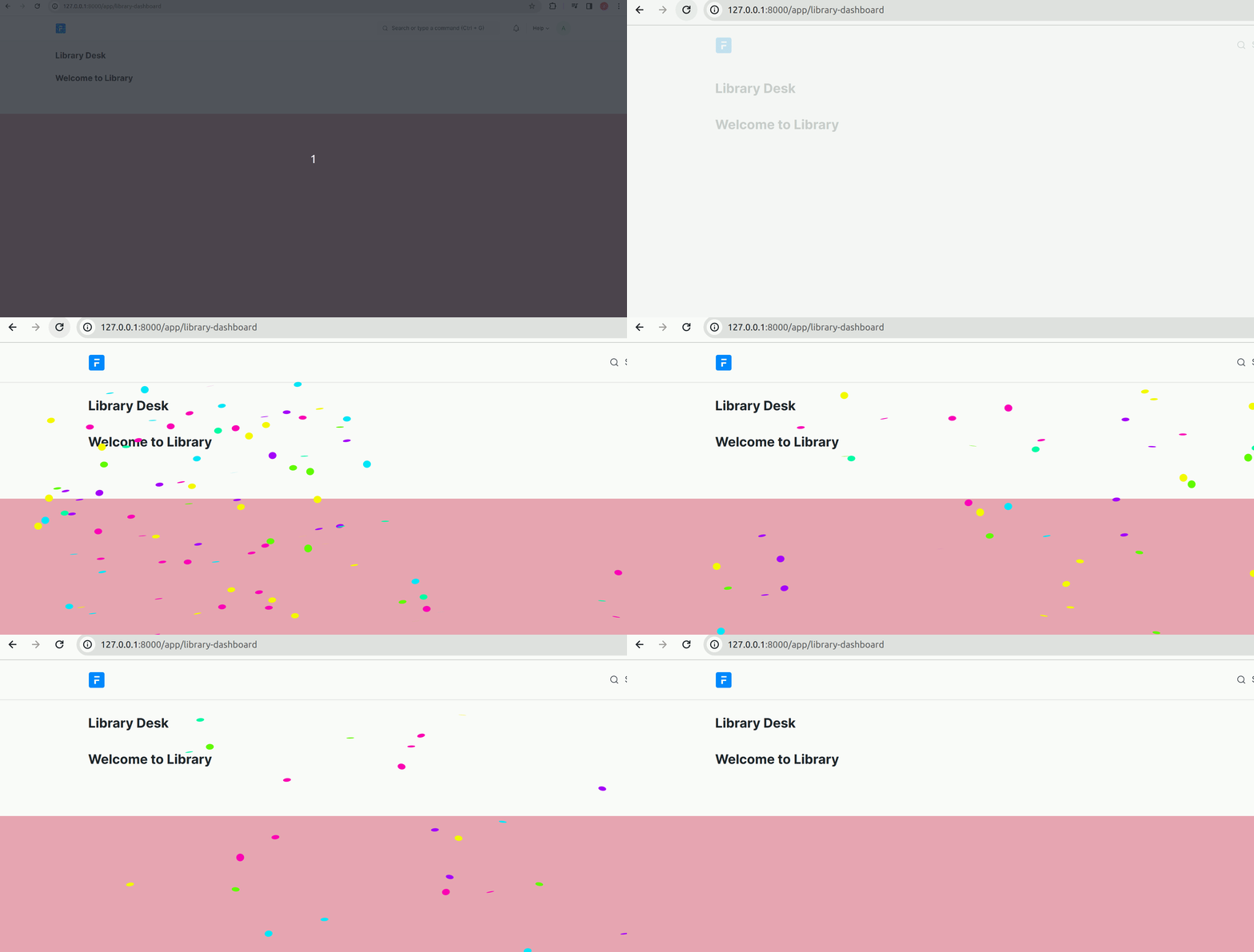
Now, You can see the impact or styling of the bundle.js file effectively on the desk page.
Adding Libraries to Web Pages:
Installation steps for external js library are same as for Desk page
-
Creating a New HTML File:
Create a new HTML file in your app's "www" folder (e.g., library.html). -
Include the Template:
Use Jinja templates to add a template to the .html file. This connects your libraries to your web page.
e.g. {%- extends "templates/web.html" -%} -
Include the Bundle:
Include the 'bundle.js' file within the '.html' file using Jinja blocks
({{ include_script('library.bundle.js') }})
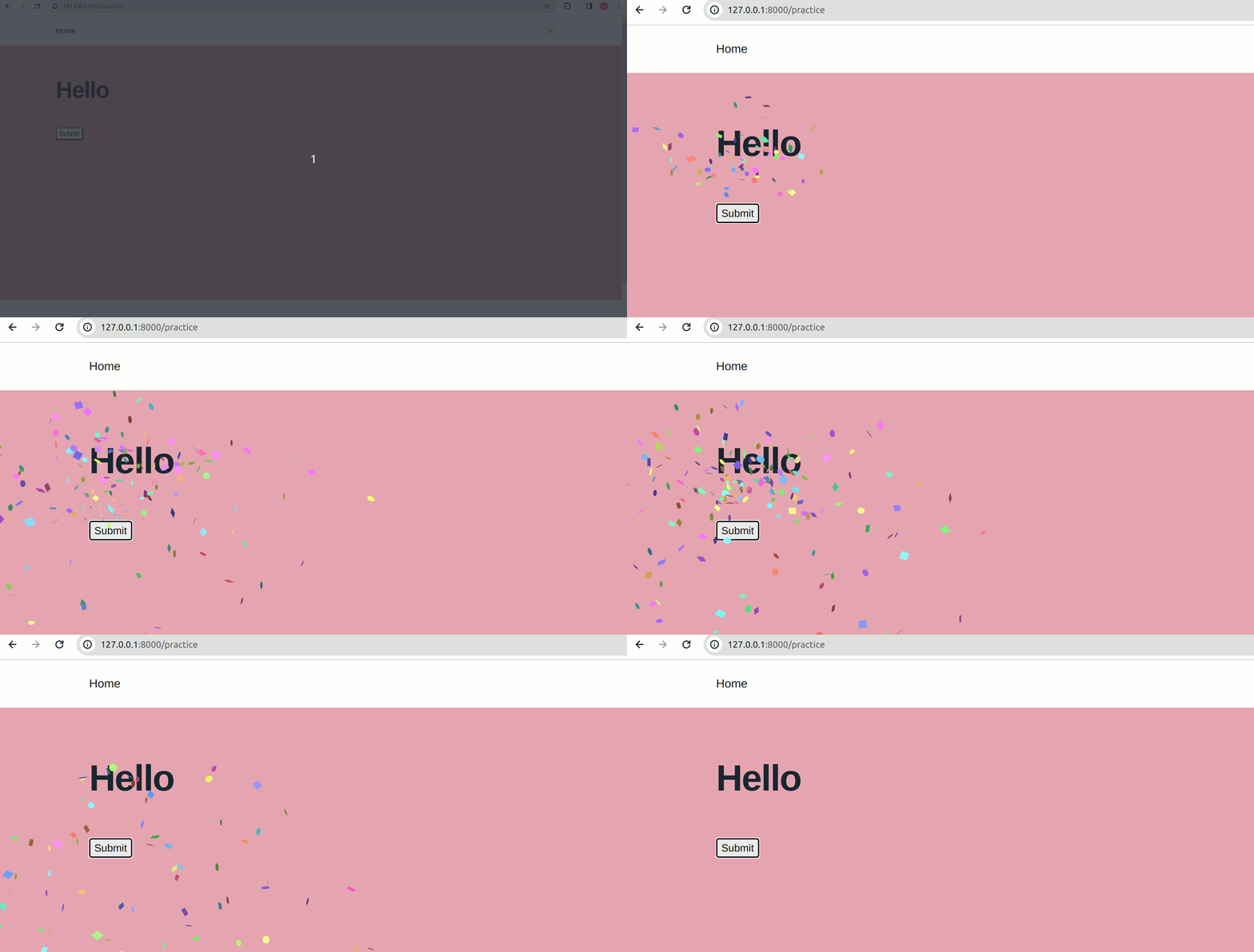
Now, You can show the impact or styling of bundle.js file in your web page !!
web_include_js = ['library.bundle.js']
Using Libraries in Bind Files:
-
Automatic Binding:
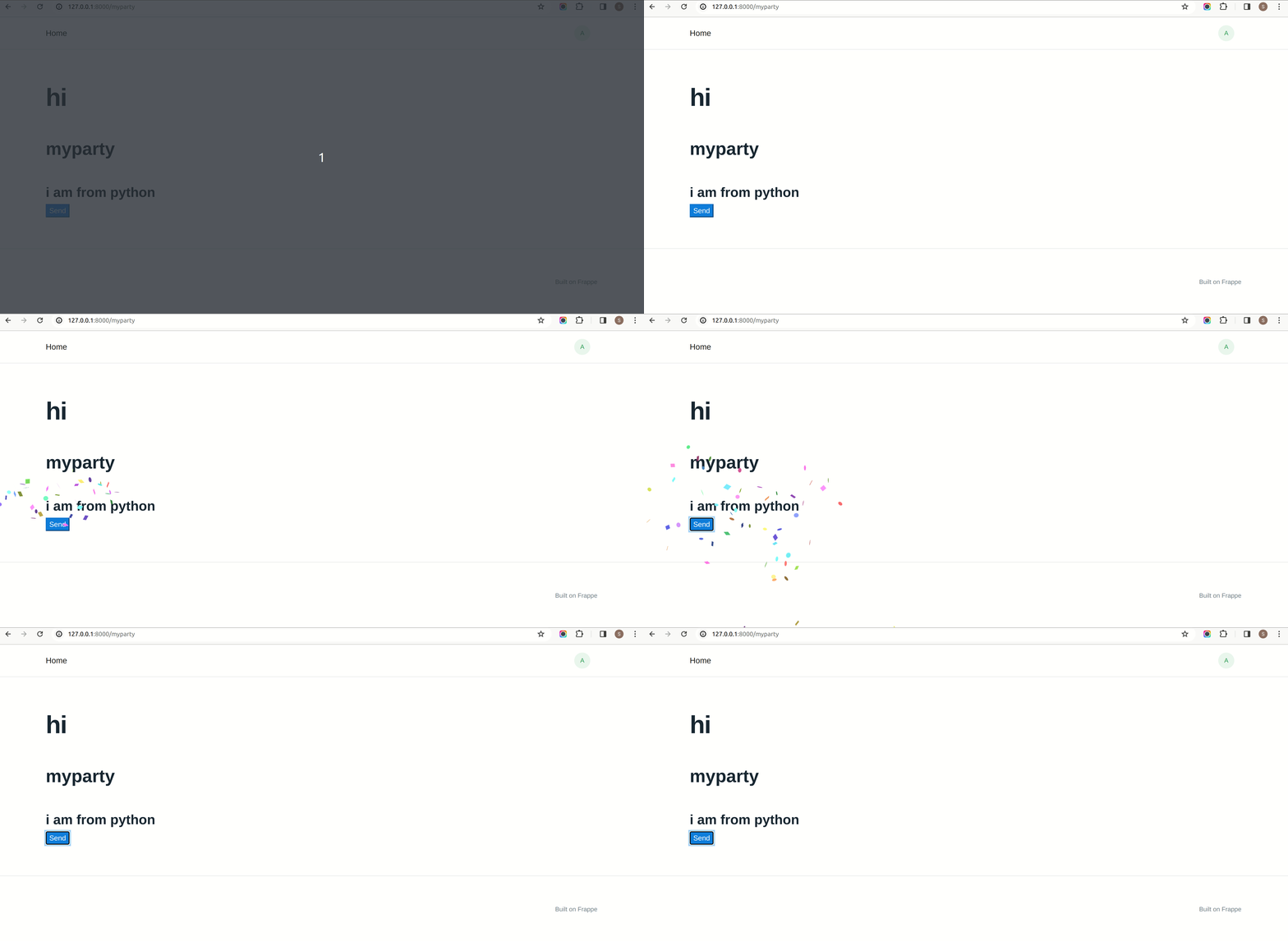
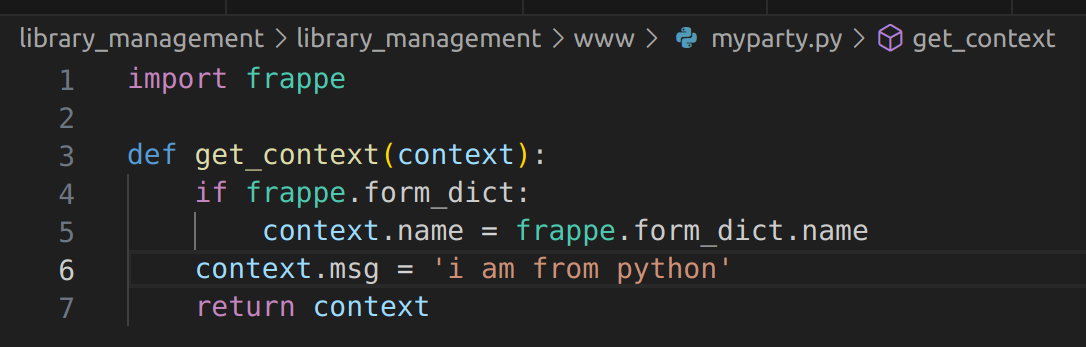
Frappe automatically links files with the same name[e.g, myparty.html, myparty.py, myparty.js].
This makes it easy to connect everything together. -
Define Functions:
Write functions in your Python file that you want to use in your HTML.
-
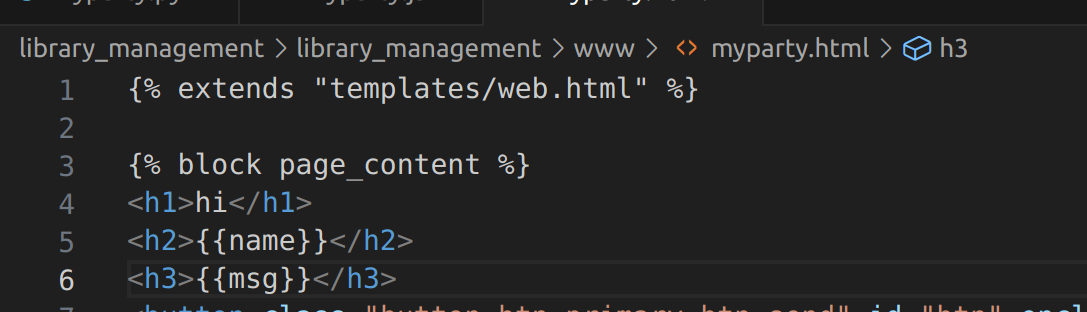
Use Templates:
You can use these functions in your HTML pages using Jinja templates.
-
Apply JavaScript:
Write JavaScript in your JS files for manipulation and event triggering.
Note: for using frappe methods in .js file, the template included in .html file must have 'frappe' keyword. -
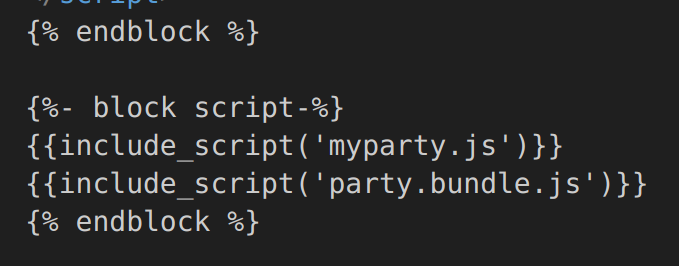
Keep it Together:
When you add bundle.js file in .html file then bindling between .html & .js will break!!
To resolve this problem you have to also include .js file
See Impact: