TCS
Setting up TCS - Section 20C(1H) for eligible customers
In the following example, we have create a Tax Withholding Category for TCS - Section 20C(1H) and set it up against an eligble customer.
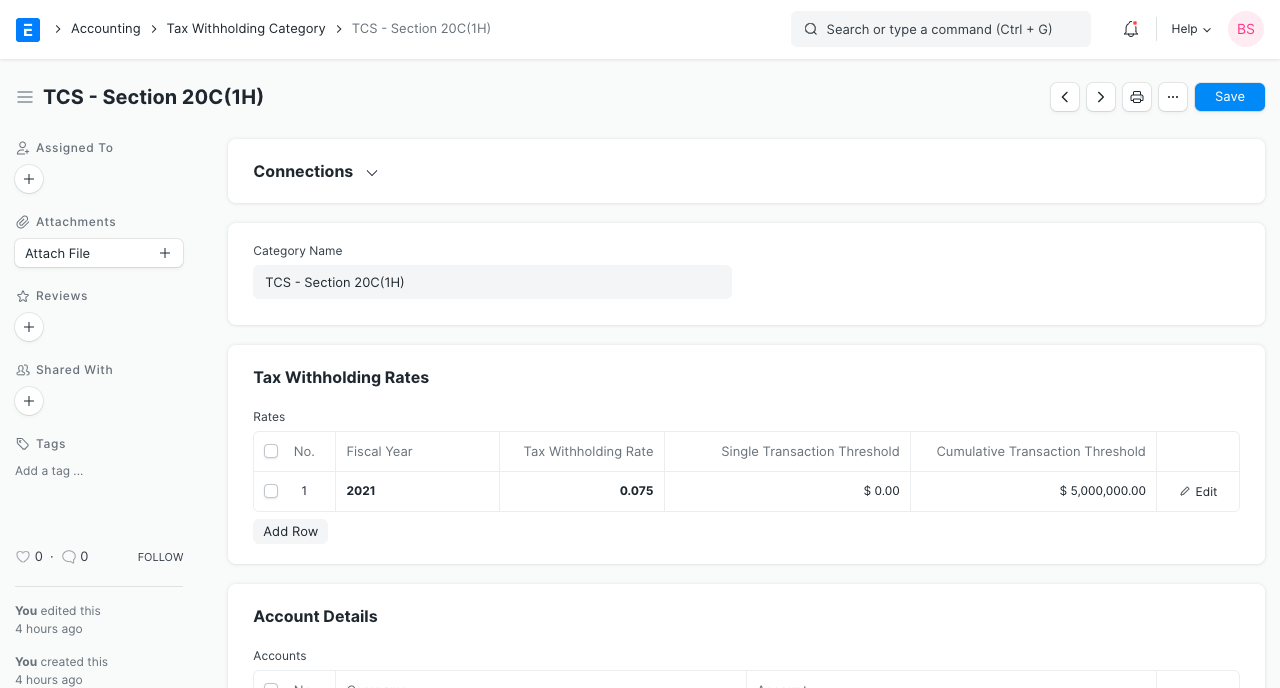
- We will first create a Tax Withholding Category named TCS - Section 20C(1H) and we set cumulative threshold to 50 Lakhs as per the scheme.
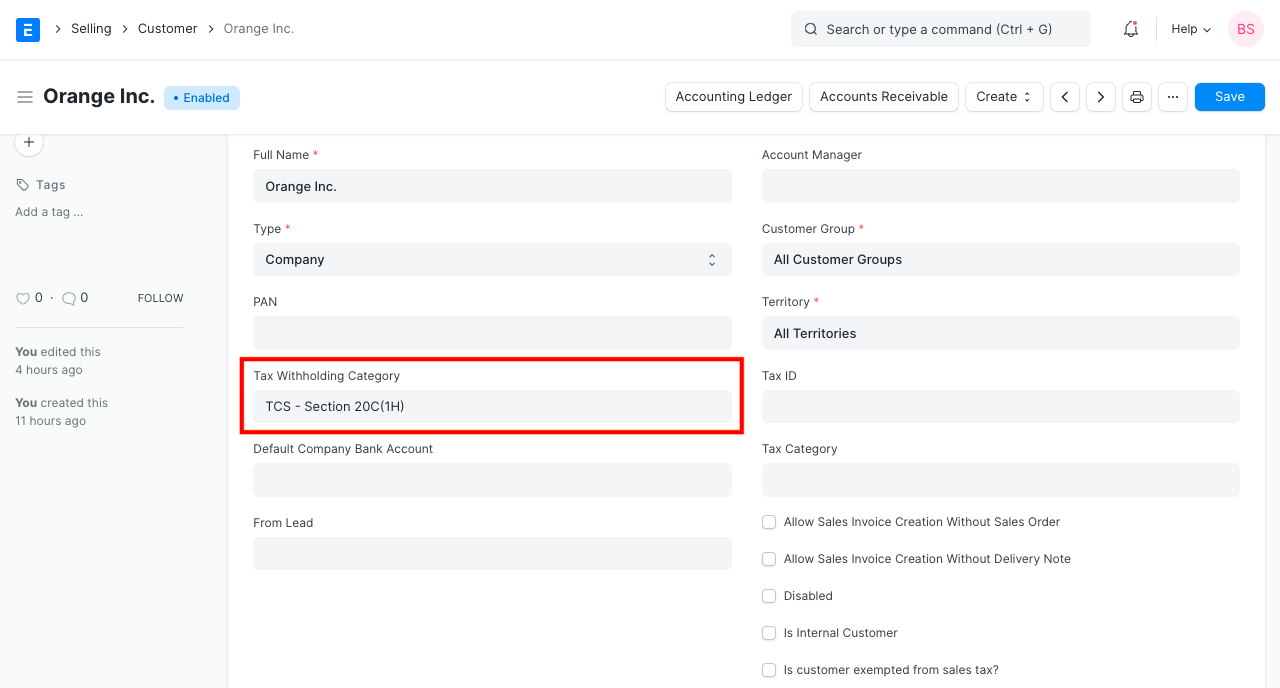
- If a Customer is expected to crosses the sales threshold of 50 Lakh in current Fiscal Year, then we can set the Tax Withholding Category of the customer to TCS - Section 20C(1H) for automatically calculation TCS on sale of goods against the customer's invoices.
 2. Let's create an invoice for 50 Lakhs against the eligible customer. Saving the invoice automatically calculates tax and appends it in the taxes table.
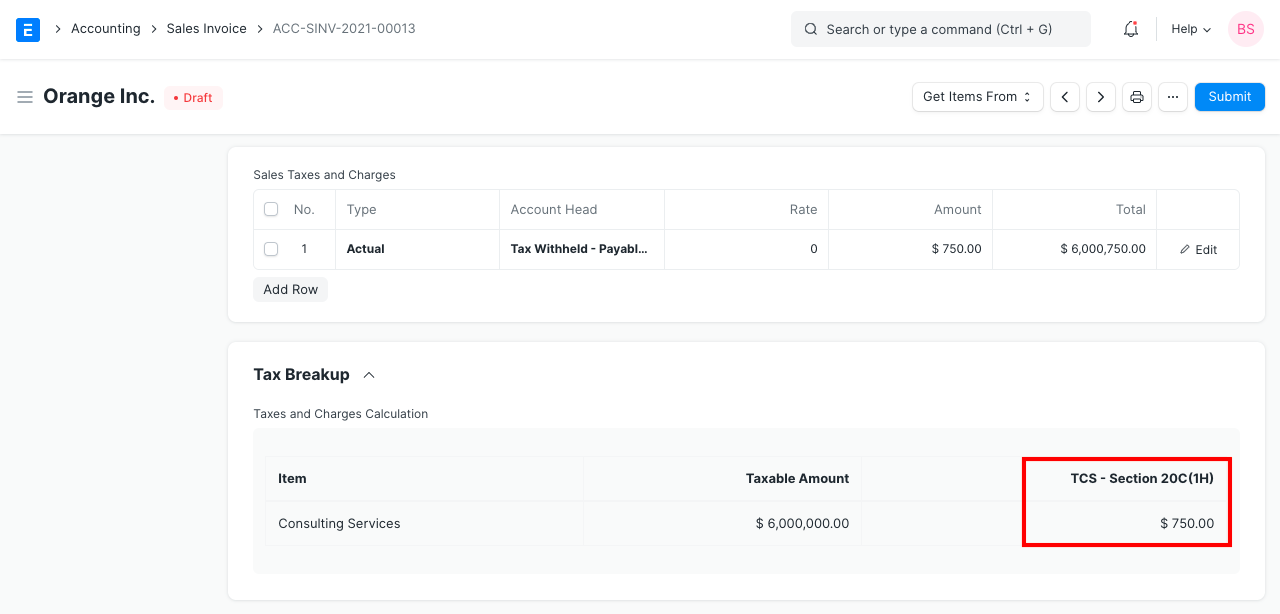
Since the invoice cross the Cumulative threshold (50 Lakhs), we see that tax has been charged. Hence, tax based on the rate provided in the Tax Withholding Category is applied accordingly. Note that, as per the scheme, the TCS is calculated on the amount exceeding the threshold i.e 0.075 % of 10 Lakhs.
Please consider below example for better understanding.
TCS threshold : Rs.1000 for Single Transaction and Rs.1000 for cumulative transaction. TCS Category is set to compute TCS only on excess amount with tax % of 10%
Sales Invoice #02 is created for Rs.900. Here because the threshold is not breached for single transaction or cumulative transaction, the TCS is not applied.
Sales Invoice #05 is created for Rs.110. Here 10% of Rs.10 is calculated for TCS application as cumulative threshold is breached {(900+110)-(1000)=10}.
Reference Link: https://taxguru.in/income-tax/faqs-tcs-sales-goods-section-206c1h.html#google_vignette