How to Raise Site Down Ticket
- Go to the Support Site: https://support.frappe.io/helpdesk.
- Log in with your User ID and Password.
- You will land on the following page:

- Click on Create.
- Add the subject as: URGENT: Site Down.
- Write Site Down along with the Site link.
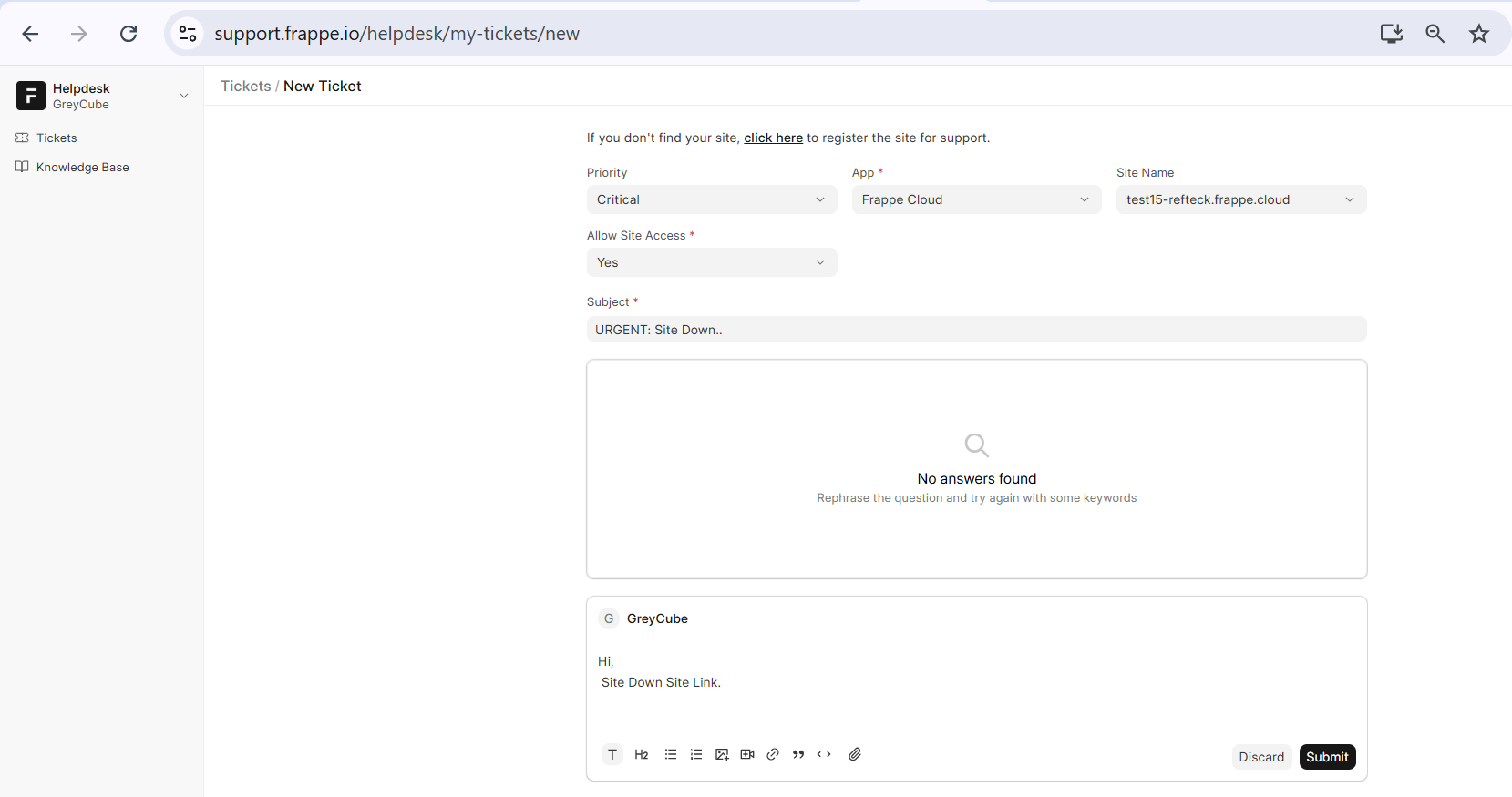
- Click on 'Submit'